OTIX PASSCODE ERASE - DFU Mode (A12 | A13) - All IOS Versions Supported ⚡️
Warranty:
No warranty for any devices.
No issues reported so far.
No refund for wrong orders (Wrong INFO / Brand /Carrier / Model / IMEI)
Supported Status:
ONLINE Instant to – (24/7)
⛔ Digital product. No refunds, no returns.
The order will be processed within 1-2 Minutes during business hours, starting from the moment we receive your full payment
Service Name:
OTIX PASSCODE ERASE V1.0 (A12–A13 DFU Erase)
Download :
https://www.otix.tools/download/?download
Supported Models:
iPhone XR
iPhone SE (2nd Generation)
iPhone XS
iPhone XS Max
iPhone 11
iPhone 11 Pro
iPhone 11 Pro Max
iPad Mini 5
iPad Air 3
iPad 9
Requirements:
Device must be in DFU Mode
Valid ECID Registration
USBLiter 8 Exploit Required
Mac Computer Required
Process:
Connect device in DFU Mode.
Read and copy ECID automatically.
Submit ECID for activation.
Perform USBLiter 8 exploit on the device.
Reconnect the pwned device and reopen the tool.
Wait for the erase process to complete.
Result:
Complete device erase from DFU Mode.
Removes passcode-protected data by performing a full erase.
Device will boot to Hello/Activation screen after successful erase.
Fresh installation ready for setup.
Important Notes:
Supported only for listed A12–A13 devices.
Device must successfully enter PWNDFU before erase.
This service performs a full erase; all user data will be removed.
No refunds for unsupported devices, incorrect ECID submissions, or user-side errors.
-
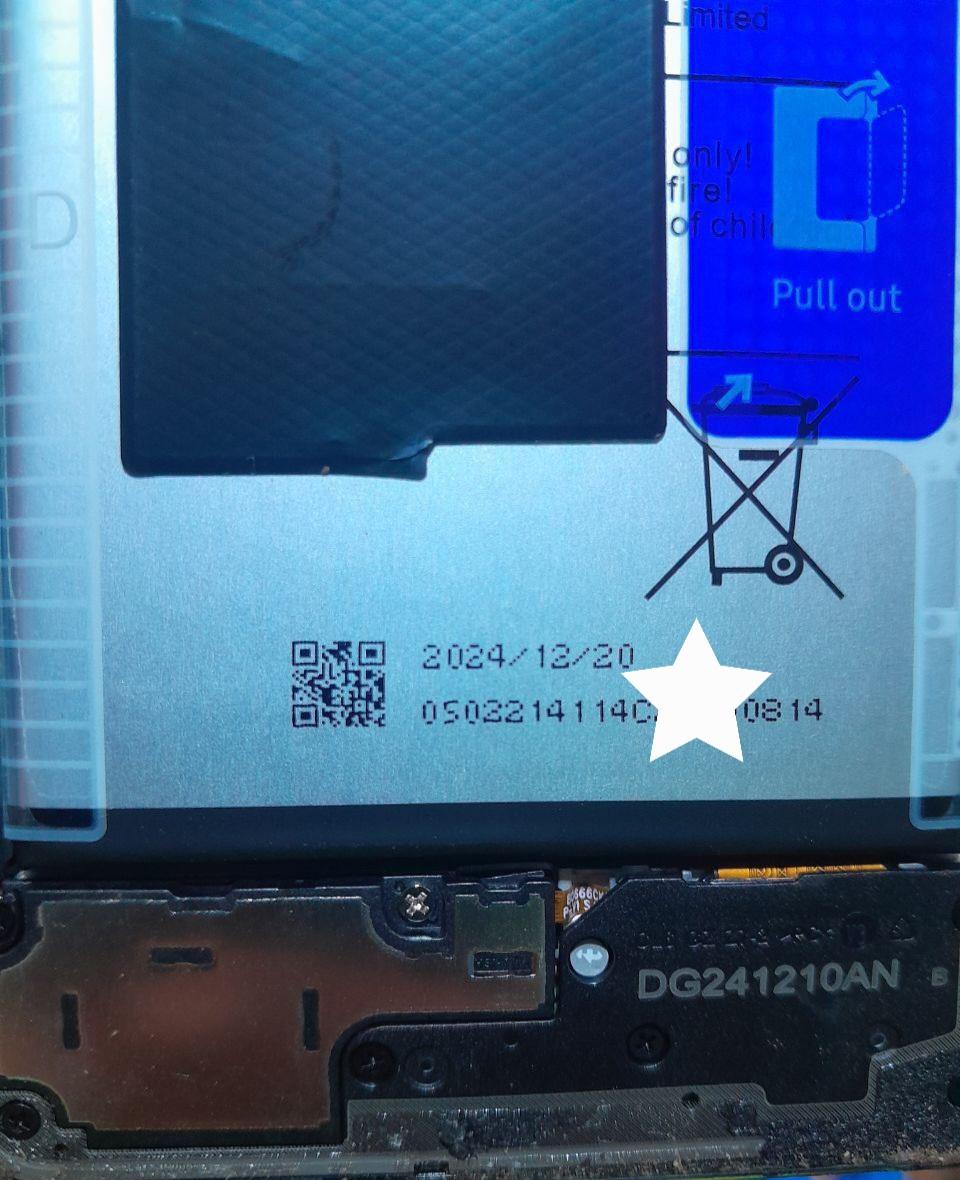
Tecno | Infinix | Itel Extract Original Imei From Battery Serial
1-12 Hours -

#7746 FRPFILE A5 - A6 Activator No Need Ardunia Supported iPhone 4 / 4S / 5 / 5c, iPad 2 / 3 / 4 / mini 1, iPod touch 5 - Windows Tool
0 Instant -

️ LU Pro Advanced Baseband Repair (Serial) ️
Miniutes -
LU Pro MDM for iPhone, iPad Window Tool Till 17 Pro Max Supported
Minutes